A plot may have clear ownership documents, but pending payments can still delay its transfer, registration or other property formalities. These payments may include unpaid installments, lease rent, interest or other charges raised by YEIDA.
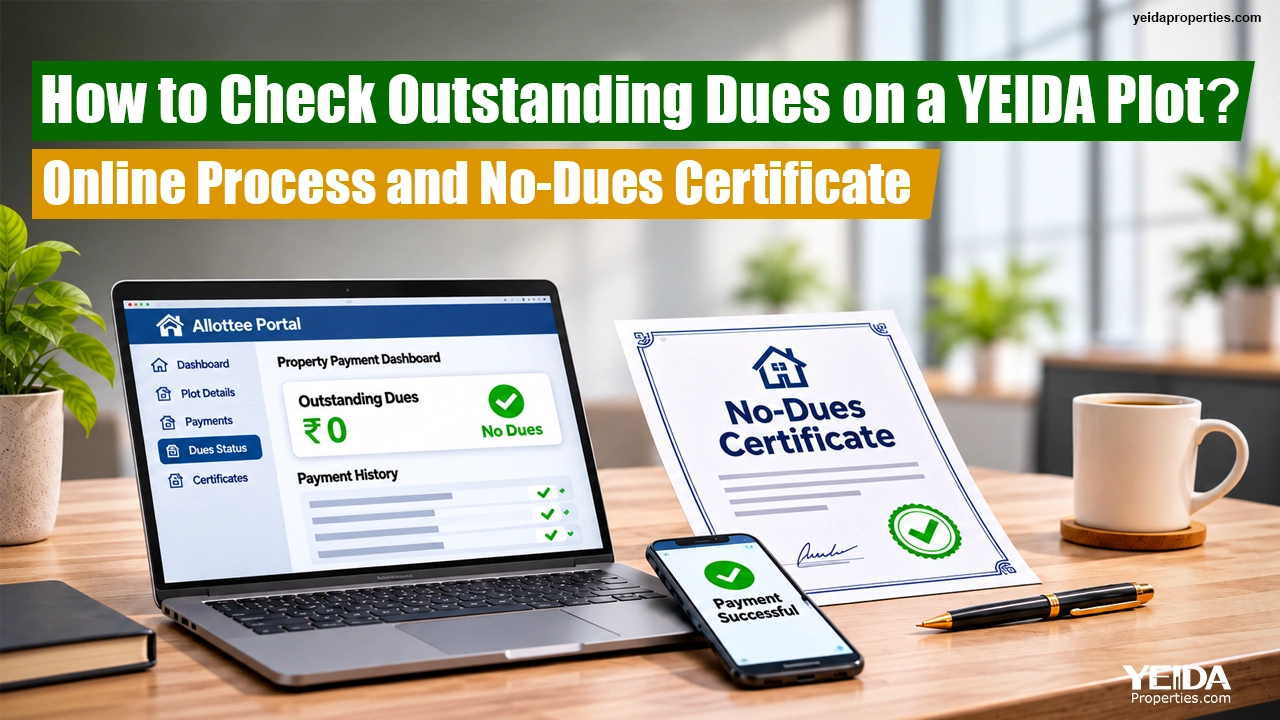
The authority provides an Online Allottee Payment System and a No Dues Service to help property owners check their payment records and request a No-Dues Certificate (NDC).
Let's understand how you can check YEIDA plot outstanding dues online and obtain an NDC.
How to Check Outstanding Dues on a YEIDA Plot Online?
You can start by visiting the official YEIDA website.
Follow these steps:
Step 1: Open Citizen Services
Visit the YEIDA Citizen Services page and select No Dues Service.
You can also visit the Online Services section and select Online Allottee Payment System. Both options direct you to the YEIDA Citizen Charter Portal.
Step 2: Log in to the Allottee Portal
Open the YEIDA Citizen Charter Portal.
The login page asks you to select your user type, either YEIDA Allottee or Builder Allottee. Select the appropriate option and enter your allotment number, password and captcha.
Step 3: Check your payment details
After logging in, open the property or allotment-related payment details available on your dashboard.
Check the payment entries, outstanding demands and previous payments recorded against your allotment. Compare these entries with your payment receipts and challans to identify any unpaid amounts.
Step 4: Apply for a No-Dues Certificate
If you need formal confirmation that no authority dues remain, select No Dues Service under Citizen Services and follow the application instructions.
Submit the required property and allotment details. Keep your payment receipts ready in case the authority requests supporting documents.
What if You Have Not Registered on the YEIDA Portal?
New allottees can use the KYA for YEIDA Allottee (New Registration) option available on the login page.
The registration process asks for details such as property type, scheme name, allotment number and Aadhaar verification through OTP. Complete the verification steps shown on the portal to set up access.
Existing users who cannot log in can use the Forgot Password option on the login page.
How Can You Apply for a YEIDA No-Dues Certificate?
A No-Dues Certificate confirms that the applicable authority payments have been cleared for the property.
YEIDA lists No Dues Service separately under Citizen Services. You can log in to the portal, select this service and follow the application instructions.
Before submitting the request, keep your allotment number, property details and payment receipts ready. If YEIDA raises any outstanding demand, clear the amount and follow the instructions to complete the NDC request.
A No-Dues Certificate is particularly useful when you want to transfer a plot, complete lease deed formalities or process another property-related application.
What if Your Payment Is Not Showing on the YEIDA Portal?
Sometimes, a payment may not appear immediately in the online account.
Check your bank statement and payment receipt before making another payment. Keep the transaction reference number, payment date, amount and challan details ready.
If the payment remains missing, contact YEIDA's Finance or Property Department through its official contact channels and request verification of the payment.
You can also submit a complaint through the authority's customer care or grievance service.
Where Can You Contact YEIDA for Outstanding Dues?
If you cannot access your account or find a payment entry, contact the authority directly.
YEIDA Corporate Office
First Floor, Commercial Complex, P-2, Sector Omega I, Greater Noida, Gautam Budh Nagar, Uttar Pradesh 201308.
Phone: 0120-2395152 / 0120-2395157
WhatsApp: +91-8700296403
Email: queries@yamunaexpresswayauthority.com
You can also check the official YEIDA Contact Us page for customer care details and other contact options.